
NEWYou can now listen to Fox News articles!
Money can start to feel tight faster than you expect. It is not always one big expense. More often, it is a series of small charges that quietly add up over time.
When that happens, it is easy to think you need a major reset. You don't. In many cases, the fastest way to create breathing room is to stop paying for things that are not adding real value to your day.
That is where this list comes in. These are 10 common expenses you can cut back on right now. Start with one or two, and you will likely notice the difference quickly.
Sign up for my FREE CyberGuy Report
Get my best tech tips, urgent security alerts and exclusive deals delivered straight to your inbox. Plus, you’ll get instant access to my Ultimate Scam Survival Guide – free when you join my CYBERGUY.COM newsletter.
VIRAL GROCERY SHOPPING METHOD PROMISES TO SLASH SPENDING: 'WAY EASIER, WAY CHEAPER'
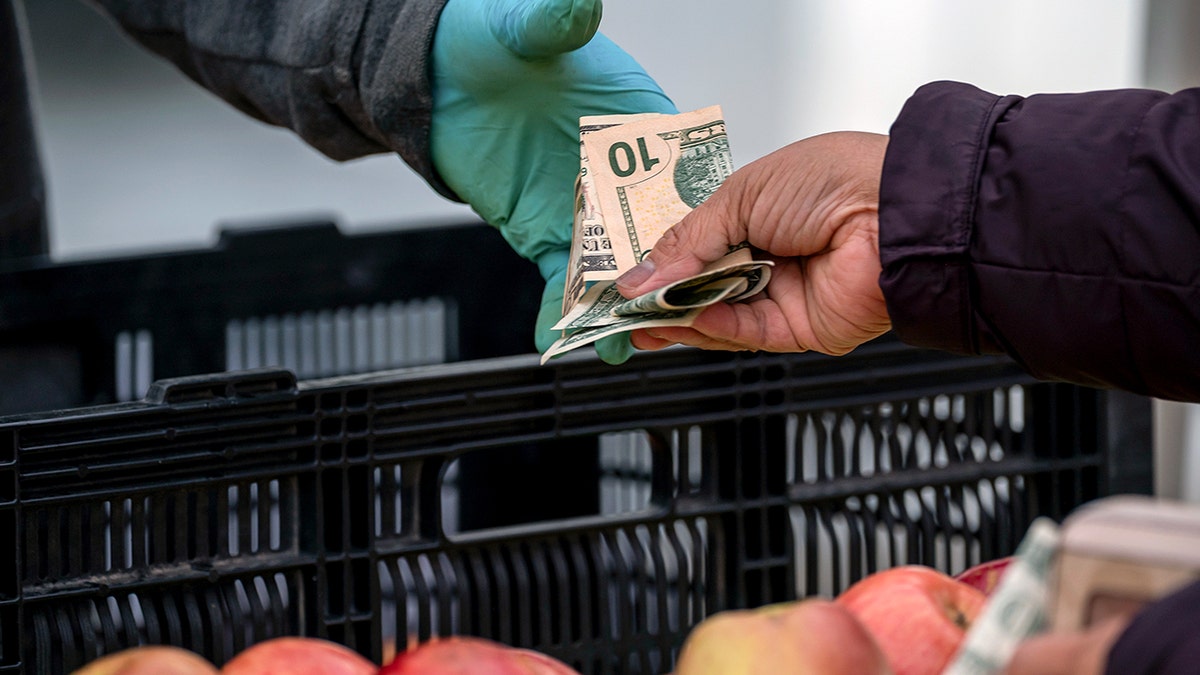
Cutting back on recurring costs like delivery apps, gym memberships and bottled water can create quick financial breathing room. (David Paul Morris/Bloomberg via Getty Images)
1) Daily ‘treat’ habits that quietly add up
That quick coffee run or snack feels harmless. It takes a minute and gives you a boost. Over time, it adds up fast. A $6 drink every weekday can reach around $1,500 a year. You don't have to cut it completely. Just change how often it happens.
Tech tip: Use your banking app's spending insights to see how much you're actually spending in this category. Most major banks now auto-categorize purchases.
Quick step: Open your banking or credit card app, then go to transactions or spending insights. Use the search bar and type "coffee" or filter by a category like "dining" or "food and drink." Most apps will show how much you've spent over the last month.
Seeing the total makes it easier to cut back without guessing.
2) Convenience spending you barely notice
Convenience costs more than it seems. Delivery apps, one-click checkouts and saved payment methods make it almost too easy to spend. That is when purchases start happening without much thought.
Tech tip: Remove saved cards from your favorite shopping apps. Making yourself enter your payment details each time can help slow down impulse buys.
Quick step:
- iPhone: Settings > Wallet & Apple Pay > select a card > Remove Card
- Android: Open the Samsung Wallet app > tap All or Menu > Payment cards > select a card > tap More (three dots) > Remove card. (Settings and menu names may vary slightly depending on your software version.)
- Google Pay (Android): Open Google Wallet app > tap your card > three dots (top right) > Remove payment method
- Apps (Amazon, DoorDash, Uber, etc.): Open the app > go to Account or Profile > tap Payments, Wallet or Payment methods > select a card > tap Edit or Remove. (Menu names may vary slightly depending on the app version.)
A small pause at checkout can stop a purchase you did not really need.
3) Subscriptions you forgot you had
Streaming services, apps, cloud storage and free trials that turned into charges. Most people are paying for at least one thing they rarely use.
Tech tip: Your phone already tracks this.
Quick steps:
- iPhone: Settings > your name > Subscriptions
- Samsung Galaxy (Android): Open Google Play > Profile icon > Payments & subscriptions > Subscriptions (Menu names may vary slightly depending on your device and software version.)
You'll see everything in one place and can cancel in just a few seconds.
4) Storage you never visit
Storage units feel temporary, but the monthly charge sticks around. If you have not used those items in a year, you likely do not need them.
Tech tip: Sell items quickly using apps like Facebook Marketplace or OfferUp instead of letting them sit.
Quick step: Take photos on your phone, list items in minutes and price to move.
Turning unused items into cash is better than paying to store them.
7 FOOLPROOF WAYS TO SAVE MONEY IN A TOUGH ECONOMY
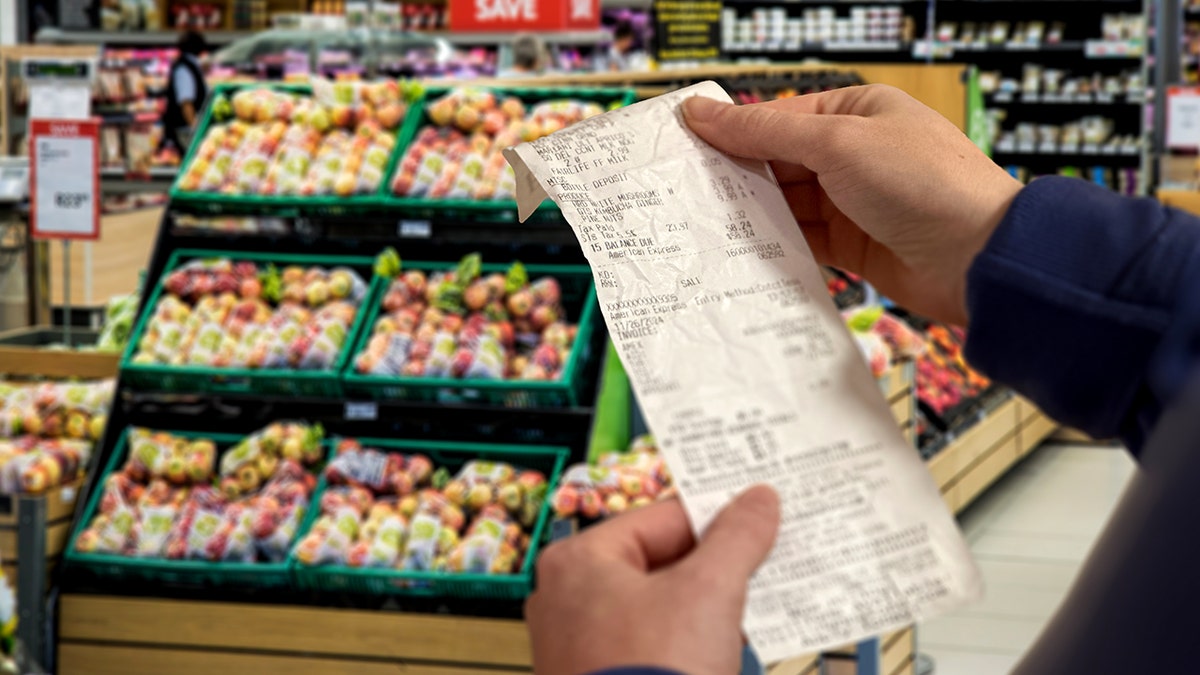
Small daily purchases, unused subscriptions and convenience spending can quietly drain your budget faster than expected. (Douglas Rissing/Getty Images)
5) Gym memberships you are not using
Signing up feels productive. Showing up is what counts. If you are not going, it becomes a recurring charge with no benefit.
Tech tip: Replace it with free fitness apps or built-in phone features.
- Apple Fitness: Basic tracking is free with iPhone
- YouTube: Free workout videos are easy to find
- iPhone: Open the Health app > tap Steps to track your daily movement
- Samsung: Open the Samsung Health app> tap Steps (or install it if needed)
Quick step: Set a daily step goal in your Health or Samsung Health app and start there.
Consistency matters more than where you work out.
6) Bottled water and repeat small buys
This one slips under the radar. Buying a drink here, a snack there or a bottle of water on the go does not feel like much in the moment. But over time, it turns into a steady drain on your budget. If you have access to clean tap water, you are paying for something you already have. The real issue is not the item. It is the pattern. These are repeat purchases that happen automatically.
Tech tip: Use your phone to break the habit before you leave the house, not after you are already out.
Quick step:
- iPhone: Open the Reminders app > tap New Reminder or the + sign > type "Bring water bottle" > tap the (i) icon > set it to alert you at a specific time or when leaving your home location > Click the blue check mark in the upper right of the screen.
- Samsung: (Menu names may vary slightly depending on your device and software version.)Option 1: Open Reminder app (Samsung Reminders) > Create reminder > add "Bring water bottle" > set time or location.Option 2: Say, "Hey Google, remind me to bring my water bottle when I leave home."
Catching the habit before you leave helps you avoid spending later.
7) Premium gas your car does not require
Many drivers pay extra for premium gas without needing it. If your car is designed for regular fuel, premium will not help performance.
Tech tip: Look up your car's fuel requirement online in seconds.
Quick step: Search: "Does [your car model] require premium gas" or check your manual digitally.
Using the right fuel can save you money every time you fill up.
8) Upgrading your phone too often
New phones are appealing. The upgrades feel important. In reality, most changes are minor, and your current phone likely still does everything you need. The biggest issue most people run into is not performance. It is battery life. That is often fixable.
Tech tip: Check your battery health and storage before deciding to upgrade. Those two things usually explain why a phone feels "old."
Quick steps:
- iPhone: Settings > Battery > Battery Health & Charging (look at Maximum Capacity)
- Samsung: (Menu names may vary slightly depending on your device and software version.)Settings > Battery > Battery usage > tap Diagnostics or Device care > check battery status
Battery health above 85% means you are in good shape. Keep your phone. Around 80% or lower means the battery is wearing out. Replace the battery instead of upgrading. Still running slow after updates and clearing storage? It may be time to move on.
HOUSING EXPERT WARNS PRE-PANDEMIC AFFORDABILITY LEVELS MAY NEVER RETURN IN AMERICA
Saving money often starts with fewer automatic charges, fewer impulse buys and better use of the tech you already have. (Juanmonino/Getty Images)
9) Lottery tickets and quick-win promises
It is easy to justify a few dollars here and there. But over time, it adds up, and the odds stay the same.
Tech tip: Set up an automatic transfer instead.
Quick step:
- Go to your bank app
- Set recurring transfer (even $5 a week) to savings
You turn a habit into something that actually builds money. Plus, small, steady savings will always beat relying on luck.
10) Buying out of habit, not need
Scrolling and buying can become automatic. Most purchases are not planned. They happen in the moment. That is how small, unplanned spending starts to add up.
Tech tip: Turn off push notifications from shopping apps. Fewer alerts mean fewer chances to buy on impulse.
Quick step:
- iPhone: Settings > Notifications > select app > toggle off
- Samsung: Settings > Notifications > App notifications > toggle off notifications for the app you wish to stop receiving notifications from (Menu names may vary slightly depending on your device and software version.)
Fewer alerts mean fewer chances to spend without thinking.
Take my quiz: How safe is your online security?
Think your devices and data are truly protected? Take this quick quiz to see where your digital habits stand. From passwords to Wi-Fi settings, you’ll get a personalized breakdown of what you’re doing right and what needs improvement. Take my Quiz here: Cyberguy.com.
Kurt's key takeaways
You don't need to cut everything. Focus on the expenses that are not adding real value. Saving money does not always come from doing more. Often, it comes from doing less. Less automatic spending. Fewer impulse purchases. Fewer charges you forgot about. Technology can either make spending easier or help you stay in control. It depends on how you use it. Start small. Stay consistent. That is where the real change happens.
So here's something worth thinking about: Which app, subscription, or habit is quietly costing you money every month without you realizing it? Let us know by writing to us at Cyberguy.com.
CLICK HERE TO DOWNLOAD THE FOX NEWS APP
Sign up for my FREE CyberGuy Report
Get my best tech tips, urgent security alerts and exclusive deals delivered straight to your inbox. Plus, you’ll get instant access to my Ultimate Scam Survival Guide – free when you join my CYBERGUY.COM newsletter.
Copyright 2026 CyberGuy.com. All rights reserved.
Kurt "CyberGuy" Knutsson is an award-winning tech journalist who has a deep love of technology, gear and gadgets that make life better with his contributions for Fox News & FOX Business beginning mornings on "FOX & Friends." Got a tech question? Get Kurt’s free CyberGuy Newsletter, share your voice, a story idea or comment at CyberGuy.com.